
Choose Collision Geometry That Retains Critical Clearances
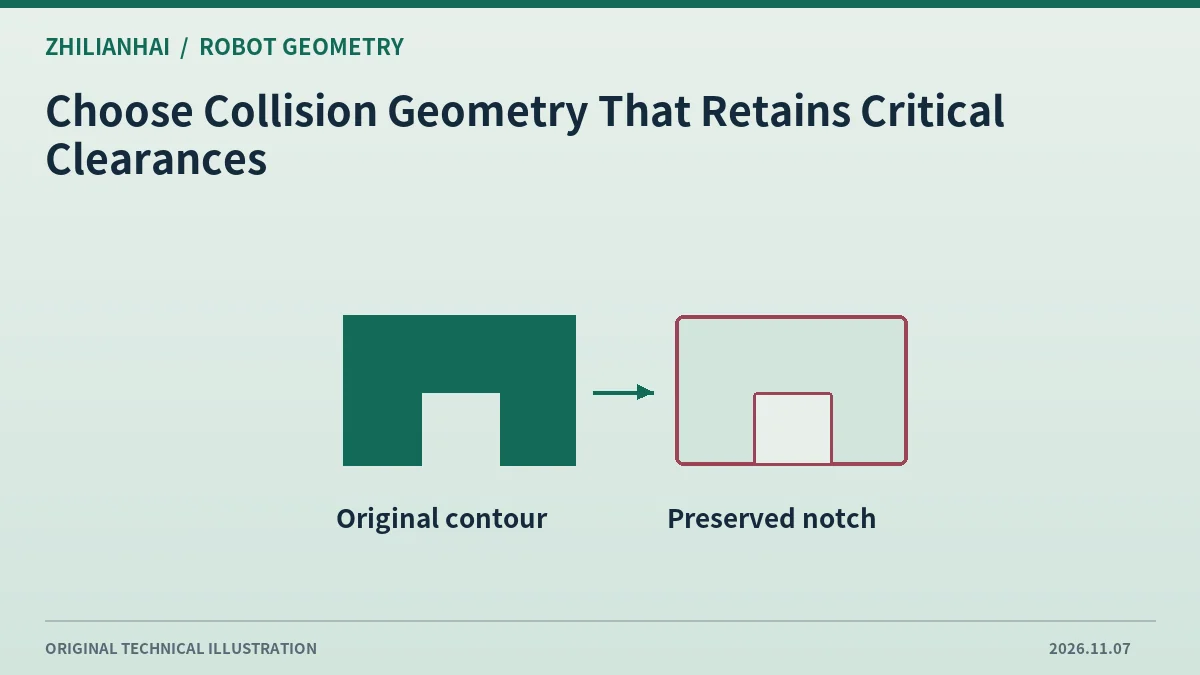
Find task-critical cross sections
Mark the contours that approach nearby obstacles, such as a finger gap or side connector. Use CAD cross sections to decide which details affect the task and which distant bevels can be simplified.
Document conservative approximation costs
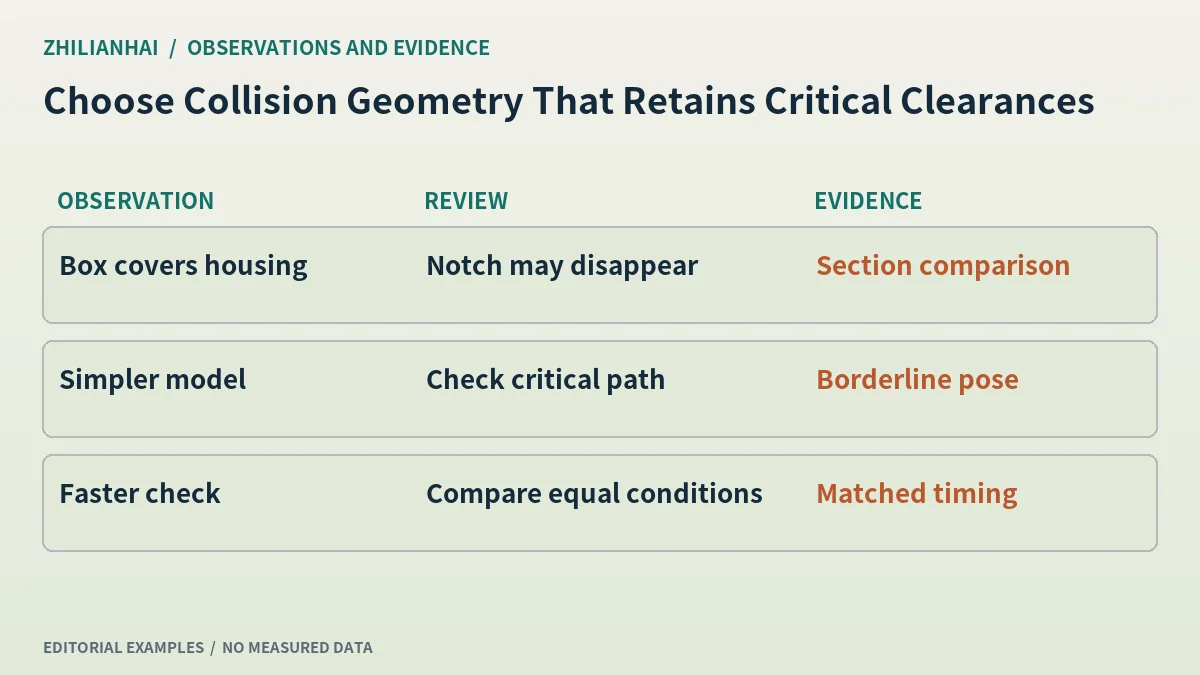
A bounding box can cover an irregular housing and close off a usable notch. For a narrow insertion, compare a compound primitive model with a simplified mesh and record the poses each representation blocks.
Compare the same pose list
Use clear, borderline and intentionally intersecting poses in an offline scene. Hold tool, part and fixture fixed while swapping models. Keep the planner and computing environment constant for any runtime comparison.
Record omitted features
Identify protrusions left out of the model and any cable or hose that extends beyond the representation. A fixed CAD picture cannot describe the full range of flexible geometry.
Deliver results by task
Associate each critical pose with its collision outcome, effective geometry and task revision. After a fixture or path change, revisit the cross sections that determine the affected moves.
Original documentation and further reading
Continue with related articles in this section, or use selection guides to prepare the next review. Apply the device-specific documentation and agreed operating conditions when implementing a test.