
Hand a Picked Part From the Planning World to the Robot
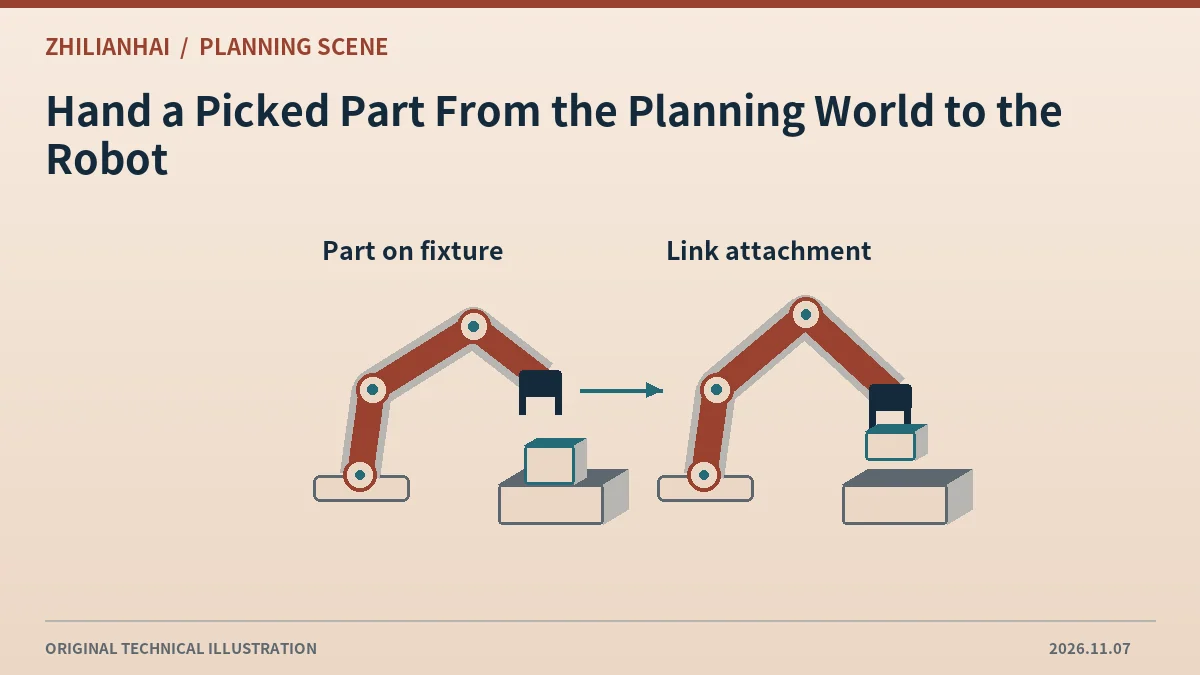
Record the pre-pick state
Retain the part ID, geometry, world frame and pick pose. The scene geometry represents the planning model. The application separately decides when physical grasp confirmation is sufficient to change that model.
Pair removal and attachment
The tutorial represents a single handoff with removal from the world and addition to attached state. Verify that both operations identify the same part, avoiding a remaining duplicate on the fixture.
Check link-local placement
Place attached geometry relative to an explicit link, retaining the relationship between the grasp datum and part origin. World-frame numbers cannot simply be copied into a link-local pose.
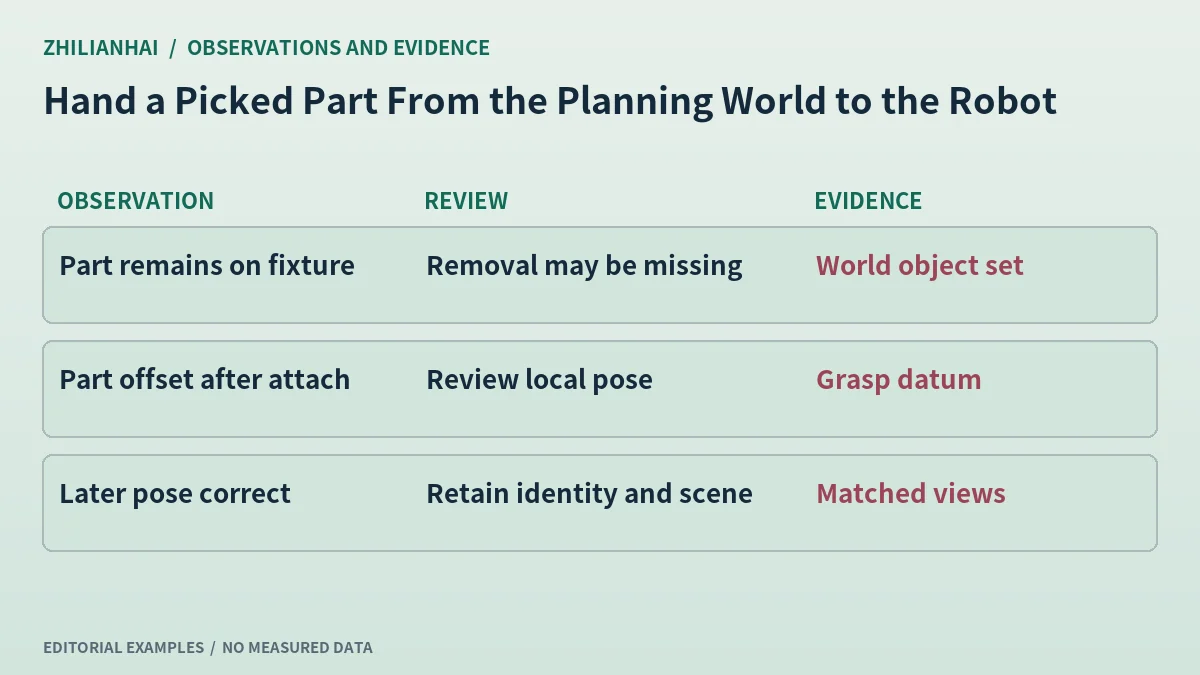
Verify a second pose
Change the wrist pose in an offline model while the object remains attached. Check that the part follows the expected link and retains its relative placement. This exposes errors hidden by an overlay at the pick instant.
Deliver the transition record
Retain part identity, confirmation event, payload, scene readback and later pose. If attachment is unconfirmed, the application should expose the unresolved relationship between the grasp and its planning representation.
Original documentation and further reading
Continue with related articles in this section, or use selection guides to prepare the next review. Apply the device-specific documentation and agreed operating conditions when implementing a test.