
Trace Direction When Gazebo Data Appears on Only One Side
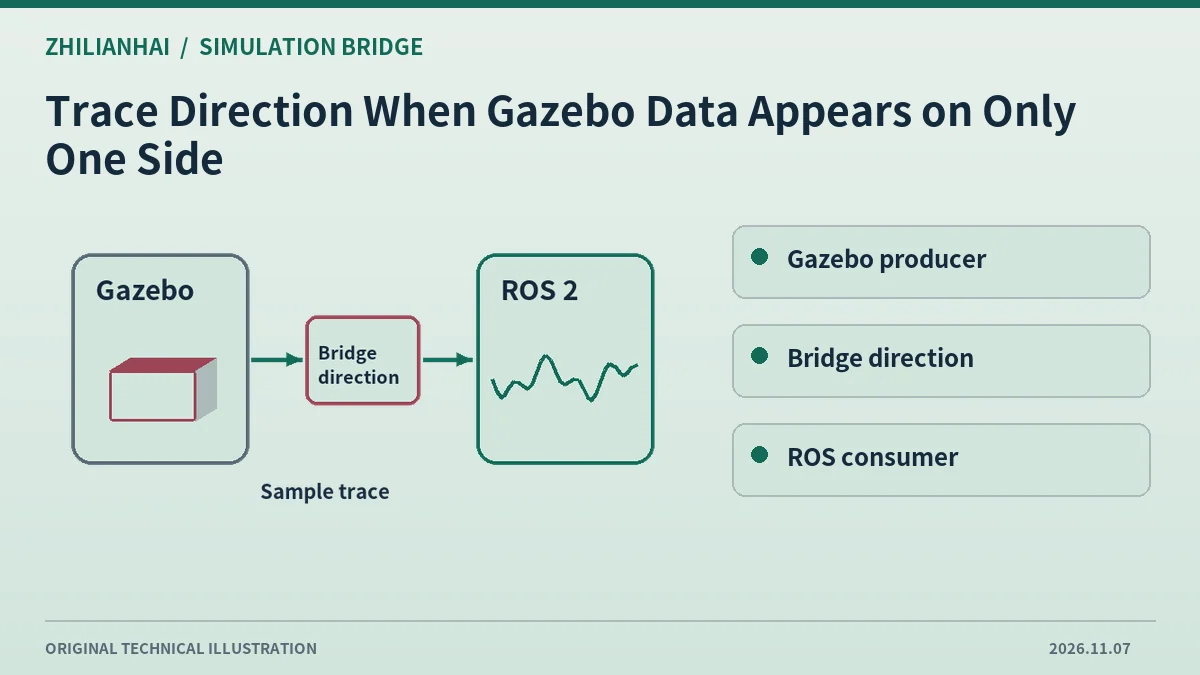
Draw the actual route
Separate simulated sensor output from commands sent to the simulator. Record producer and intended subscriber for each stream. A single bridge process can contain routes with different directions.
Inspect effective direction
Harmonic documents Gazebo-to-ROS, ROS-to-Gazebo and bidirectional options. Check effective launch and configuration, especially where a sensor path and a command path point in opposite directions.
Verify endpoints
List full names and endpoint roles on both sides, checking world, model and ROS namespace. A similarly named stream in only one scope can indicate incorrect routing.
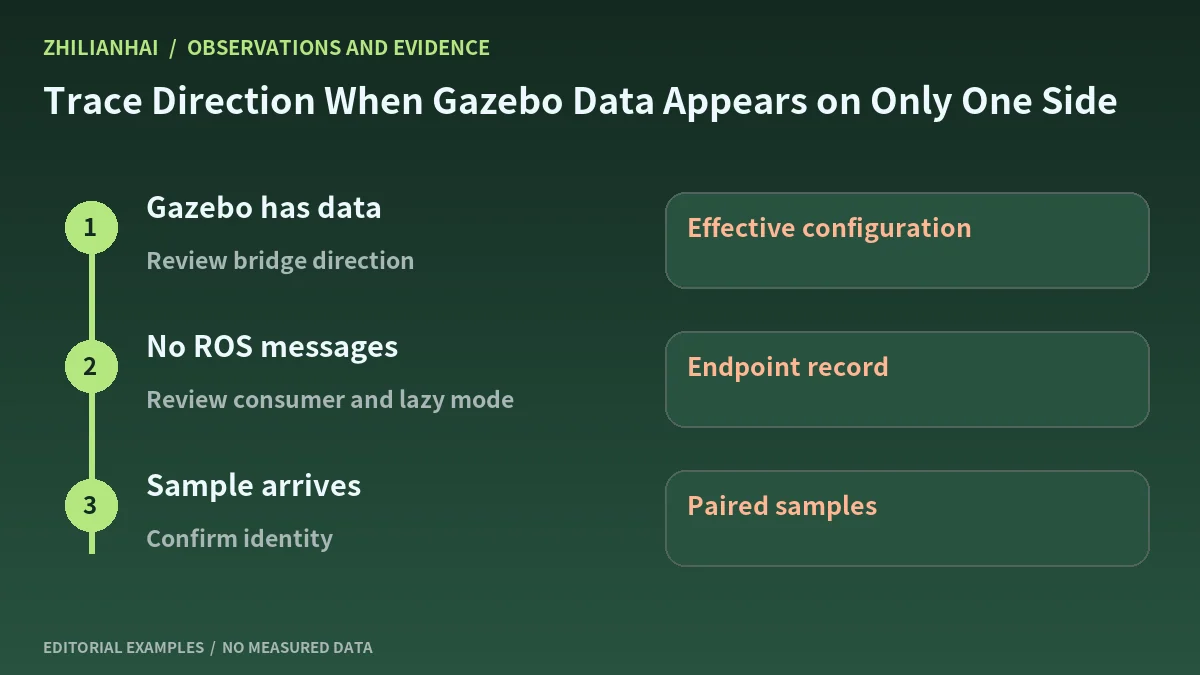
Trace an identifiable sample
Record input and received contents in isolated simulation. If lazy behavior is configured, establish an actual consumer before deciding whether absence means the mapping is unsupported.
Deliver the direction map
Keep names, types, direction and receiving evidence. Revisit each route after changing bridge versions or namespaces so the deployment record remains explicit.
Original documentation and further reading
Continue with related articles in this section, or use selection guides to prepare the next review. Apply the device-specific documentation and agreed operating conditions when implementing a test.