
Verify Gazebo and ROS Message Type Pairs Before Bridging
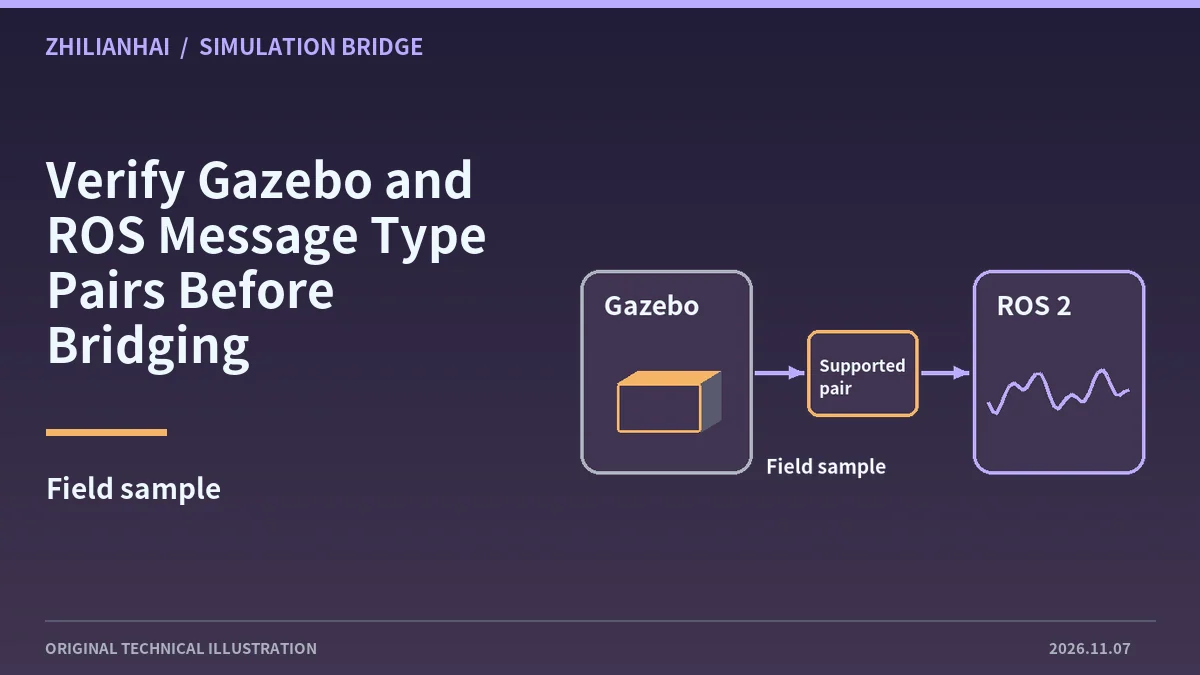
Read fully qualified types
Record both topic names, fully qualified types and bridge package version. A shared scan or image label does not establish compatibility of the underlying messages.
Check the versioned support table
Harmonic documents that only certain types are supported. Review the mapping or implementation for the installed version and relevant direction rather than transferring support claims from a different release.
Compare critical fields
Use an interpretable simulated sample and check units, arrays, frames and timestamps in ROS. An output establishes conversion activity. The application still needs field-level interpretation.
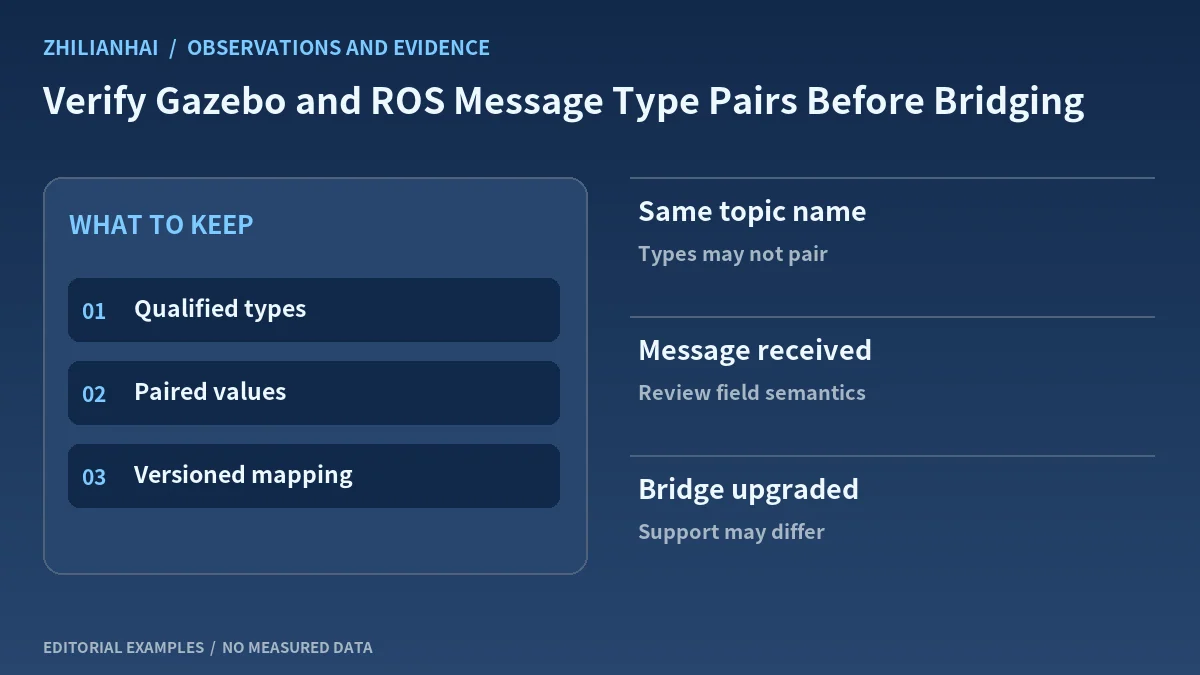
Distinguish incompatibility from routing
If output is absent, inspect logs, producer type, direction and consumer. An unsupported pair requires another supported representation or an explicitly designed conversion.
Deliver version and field mappings
Keep both types, effective settings, samples and any unrepresented fields. Identify unverified application requirements and replay matched input after an upgrade.
Original documentation and further reading
Continue with related articles in this section, or use selection guides to prepare the next review. Apply the device-specific documentation and agreed operating conditions when implementing a test.