
Include Controller Ventilation in Robot Installation Checks
A controller cabinet needs the environment and airflow specified by its manufacturer. Stored cartons, covered inlets or nearby heat sources can change operating conditions.
Cover image: AI-generated conceptual illustration, not a photograph of an actual product or project.
Identify the permitted environment
Check the installed controller model for ambient conditions, ventilation clearances and mounting orientation. Do not transfer numerical limits between brands.
Trace inlet and exhaust paths
Inspect vents, filters, fans and surrounding space for obstructions. Follow the equipment manual and site electrical safety procedures during maintenance.
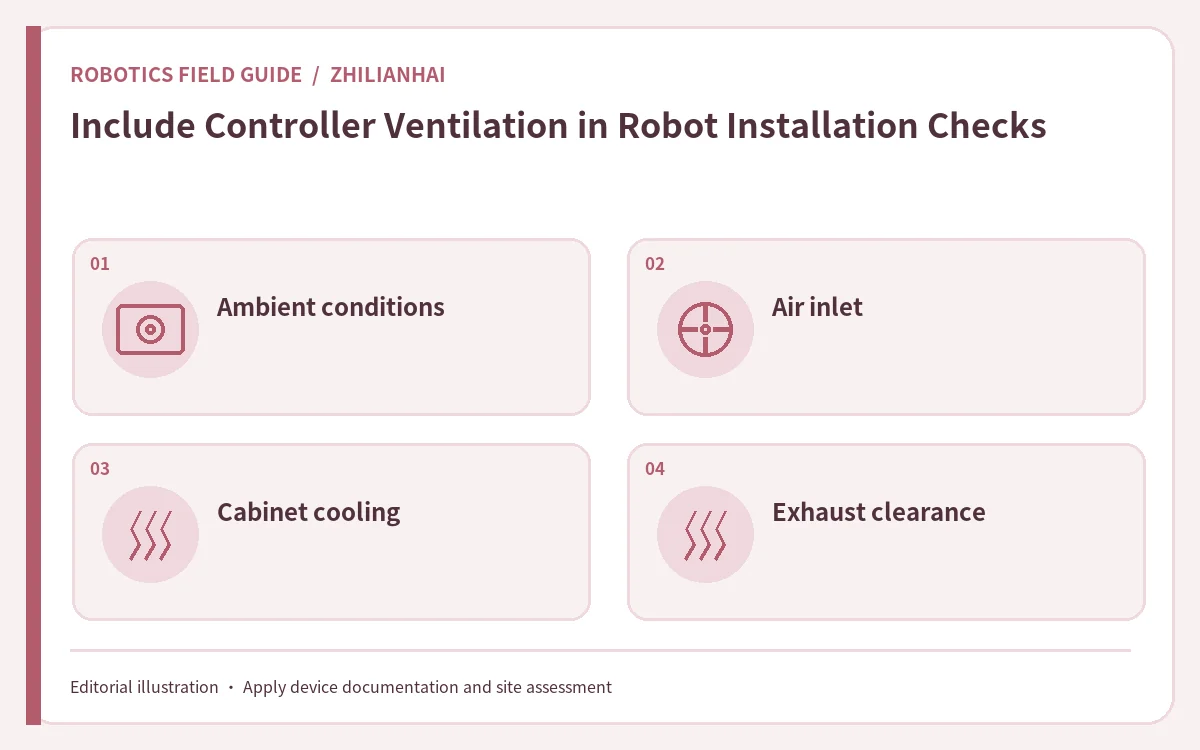
Record site conditions
Document air conditioning, heat from nearby equipment and normal cabinet-door state, along with measurement location and time. Use qualified personnel for temperature assessment when needed.
Include periodic maintenance
Include filter cleaning, fan checks and alarm records in the maintenance plan, and retain the review after cabinet layout changes.
Applying the checklist: a hypothetical example
After a line expansion, cartons might be stored beside the controller. Compare their location with the model-specific ventilation requirements and record conditions before and after the layout change. Cleaning or service must follow site electrical safety procedures.
Sources and application limits
This guide refers to Universal Robots: deployment considerations. Examples and review steps are editorial guidance; use the documentation for the actual device and qualified assessment.
Further reading: UK HSE work equipment maintenance guidance.
Continue to company directory and robot selection guides.